⚡ Immediate Response to Unexpected Failures
Work orders originate directly from the shop floor. When a machine failure occurs, the operator presses a button on the machine (Blue Button) to report the issue. The request is instantly registered in IMES and a maintenance technician receives a notification on the IHMobile Android application. The technician navigates to the machine, performs the repair, and logs time, actions taken, and used materials directly in the app. The entire intervention is recorded in real time — no paper, no phone calls, no retyping.
- 🔔 Work order notifications
- ⏱ Time logging
- 📦 Material usage
- 📸 Photo evidence
- 📝 Repair notes
- 🗂 History access

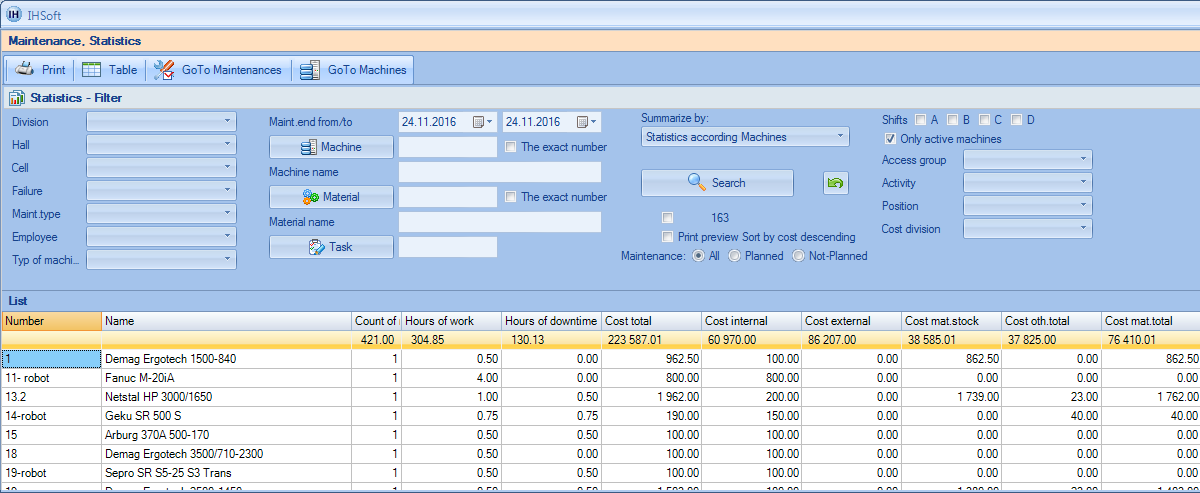
🏢 Machine & Equipment Registry
Central asset database: machines, equipment, and buildings. Every asset has its history, costs, documents, and service records in one place.
- 🏷 Asset ID and classification
- 📄 Documents and attachments
- 🧾 Maintenance and failure history
- 💰 Cost overview
- 👥 Worked hours per technician
- 🧠 Failure codes and types
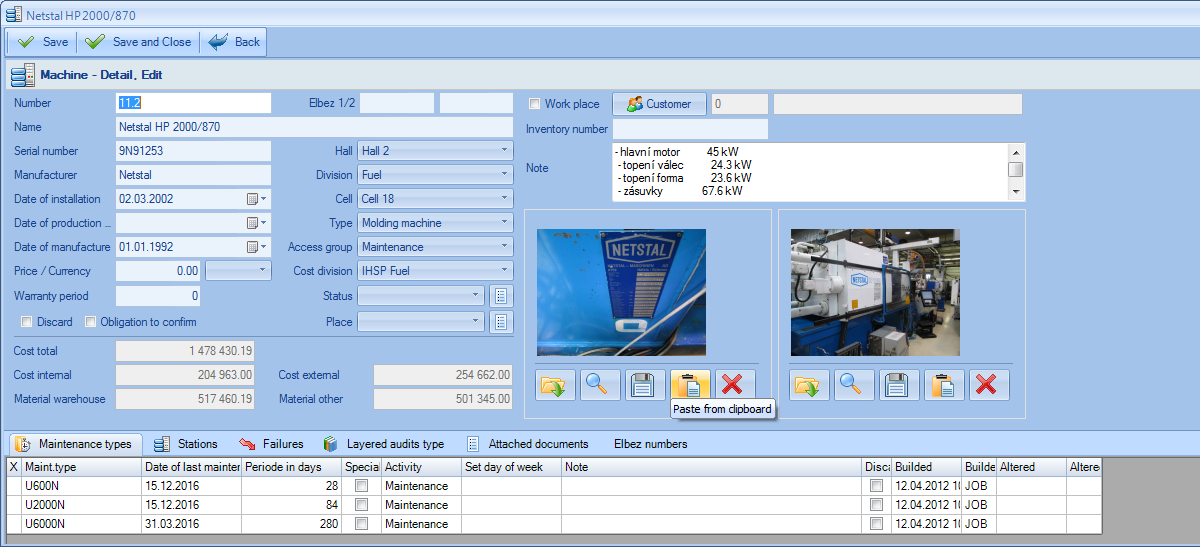
📅 Preventive Maintenance Plan
Schedule planned maintenance weeks or months ahead. IMES reminds you, assigns responsibility, and keeps track of what is done and what is overdue.
- 🗓 Planned dates and intervals
- 👷 Responsible person
- 🔔 Automatic reminders
- ✅ Last performed record
- 📌 Plant/line filtering
- 🧾 PM list overview
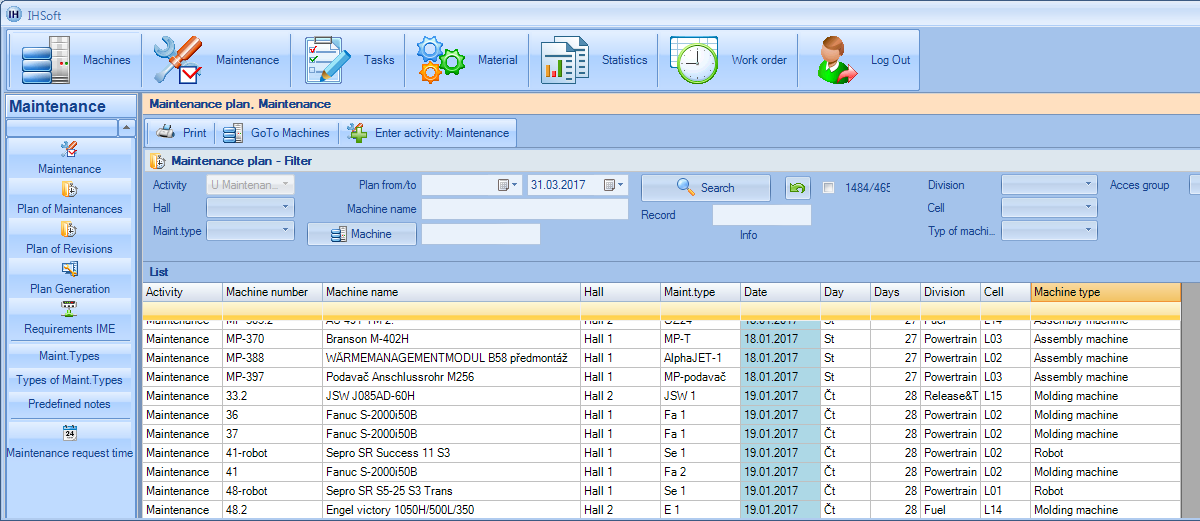
📝 Work Orders
Create repair requests from production or maintenance, assign them to technicians, and track progress from “new” to “done”. Everything stays traceable.
- 🧾 One queue for all requests
- 👷 Assignment and status
- ⏱ Time and downtime logging
- 📎 Photos and attachments
- 📦 Used spare parts
- 🗂 Full history
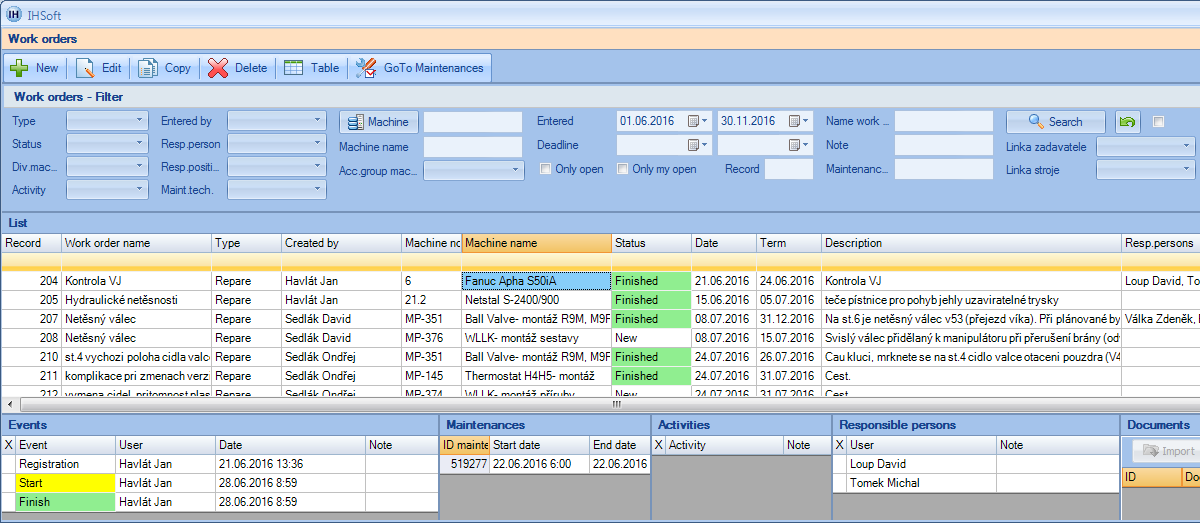
📊 Statistics & Analysis
Reports for maintenance management: costs, failures, downtime, material usage, and team workload. No spreadsheets needed.
- 📉 Failure frequency
- ⏱ Downtime overview
- 💰 Cost analysis
- 📦 Material consumption
- 👥 Technician workload
- 📅 PM compliance
📦 Spare Parts & Cost Tracking
Record spare parts usage, suppliers, and stock limits. Track internal labor, external services, and material costs per asset.
- 📦 Stock and minimum levels
- 🚚 Supplier and lead time
- 💳 Purchase price tracking
- 🧾 Material consumption per order
- 💰 Cost split (internal/external/material)
- 🔎 Searchable records